August 5 to August 19 (Wednesdays), 10:00 AM to 1:00 PM Eastern Time
**All sessions are live and will be recorded, students do not have to be present. All recordings will be available to students for 3 months after the final session, after 3 months the recording will be deleted.
Please check your email spam/junk folder for your Zoom invite. Our business hours are 10:00 AM through 5:00 PM. All course information and email correspondence will be sent during business hours. If students purchase a course, workshop, demo or recording outside business hours or during the weekend the course information or recording will be sent the following business day.
DEMO: https://youtu.be/gF7S8JNVhsg
Workshop Description
Capture the spirit and beauty of birds in this Photoshop workshop, suitable for artists of all skill levels. The course introduces the fundamentals of Photoshop and explores how digital tools can be used to convey the energy, movement, and character of birds. You’ll learn my approach to painting birds in Photoshop, from start to finish. Each session includes a full-colour bird illustration demonstration, along with plenty of opportunity to ask questions, explore ideas, and gain insight into the creative process.
Workshop Outline
Each week is loosely structured around the same clear format, allowing flexibility for discussion and creative exploration. A typical 3-hour session is divided approximately as follows:
• Influences and Inspiration
A look at a range of digital artists to spark ideas.
• Photoshop Workspace and Tools
Setting up the Photoshop workspace and exploring tools such as brushes, colour palettes, layers, and drawing methods.
• “Look at My Layers”
A behind-the-scenes look at my own paintings, with a step-by-step explanation of my working process.
• Live Demonstration
A full-colour bird illustration created in real time, shaped by group feedback and discussion.
• Homework Ideas and Discussion
Optional exercises and suggestions for continuing your practice between sessions.
• Q&A
Open time for questions, clarification, and group discussion.
Workshop Materials
Adobe Photoshop: I’ll be demonstrating in Photoshop, but if you’re familiar with Procreate, the techniques and processes will translate easily.
Adobe Illustrator: Helpful, but entirely optional
August 5 to August 19 (Wednesdays), 10:00 AM to 1:00 PM Eastern Time
**All sessions are live and will be recorded, students do not have to be present. All recordings will be available to students for 3 months after the final session, after 3 months the recording will be deleted.
Please check your email spam/junk folder for your Zoom invite. Our business hours are 10:00 AM through 5:00 PM. All course information and email correspondence will be sent during business hours. If students purchase a course, workshop, demo or recording outside business hours or during the weekend the course information or recording will be sent the following business day.
DEMO: https://youtu.be/gF7S8JNVhsg
Workshop Description
Capture the spirit and beauty of birds in this Photoshop workshop, suitable for artists of all skill levels. The course introduces the fundamentals of Photoshop and explores how digital tools can be used to convey the energy, movement, and character of birds. You’ll learn my approach to painting birds in Photoshop, from start to finish. Each session includes a full-colour bird illustration demonstration, along with plenty of opportunity to ask questions, explore ideas, and gain insight into the creative process.
Workshop Outline
Each week is loosely structured around the same clear format, allowing flexibility for discussion and creative exploration. A typical 3-hour session is divided approximately as follows:
• Influences and Inspiration
A look at a range of digital artists to spark ideas.
• Photoshop Workspace and Tools
Setting up the Photoshop workspace and exploring tools such as brushes, colour palettes, layers, and drawing methods.
• “Look at My Layers”
A behind-the-scenes look at my own paintings, with a step-by-step explanation of my working process.
• Live Demonstration
A full-colour bird illustration created in real time, shaped by group feedback and discussion.
• Homework Ideas and Discussion
Optional exercises and suggestions for continuing your practice between sessions.
• Q&A
Open time for questions, clarification, and group discussion.
Workshop Materials
Adobe Photoshop: I’ll be demonstrating in Photoshop, but if you’re familiar with Procreate, the techniques and processes will translate easily.
Adobe Illustrator: Helpful, but entirely optional

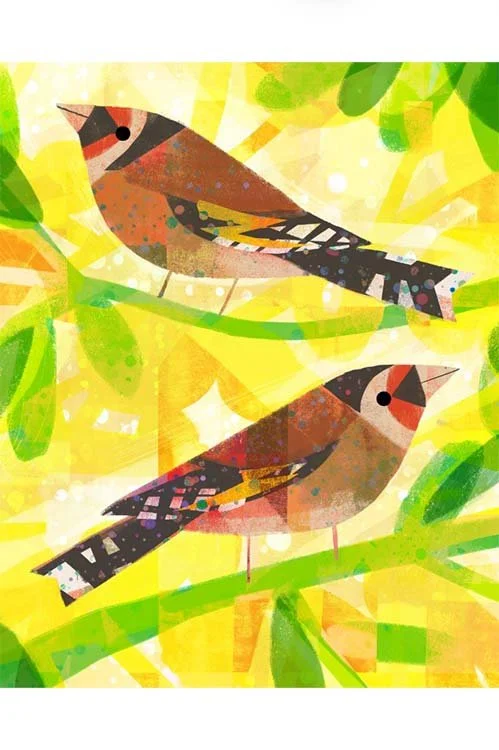 Image 1 of 16
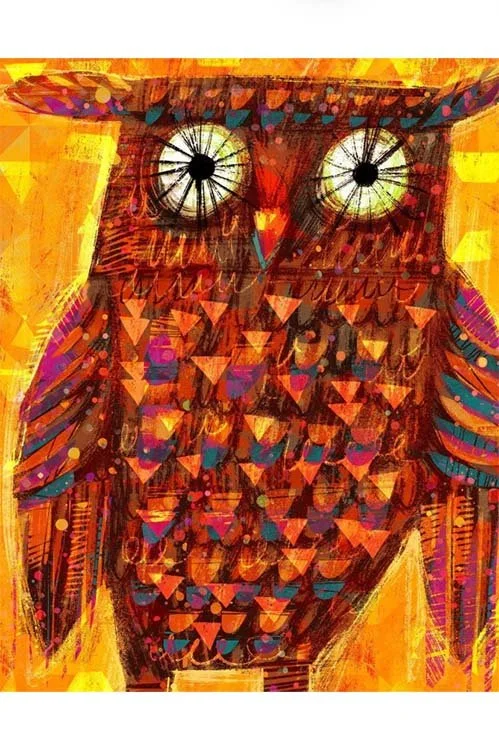 Image 2 of 16
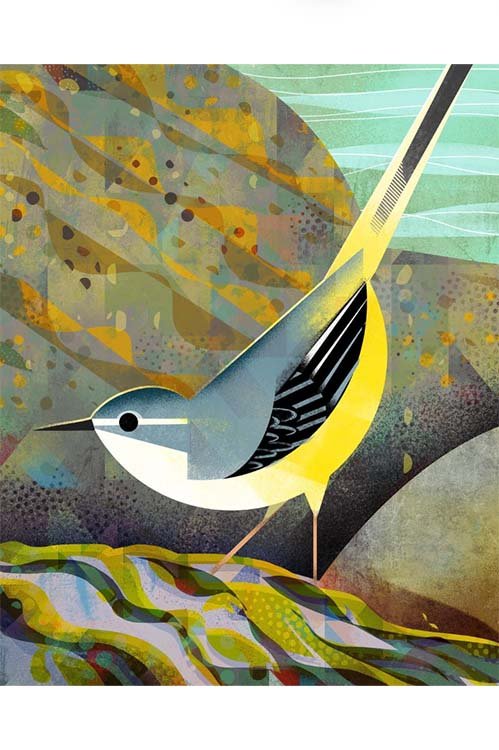 Image 3 of 16
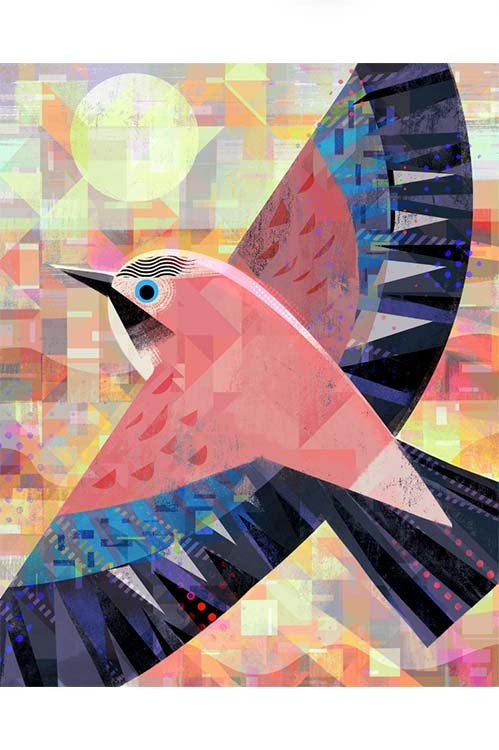 Image 4 of 16
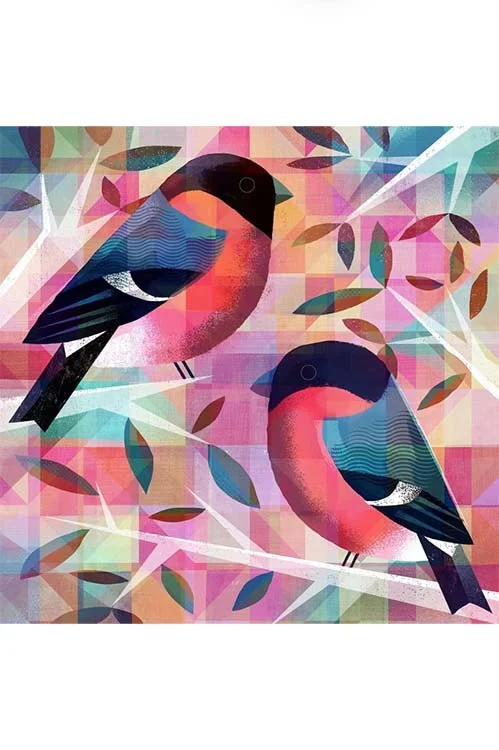 Image 5 of 16
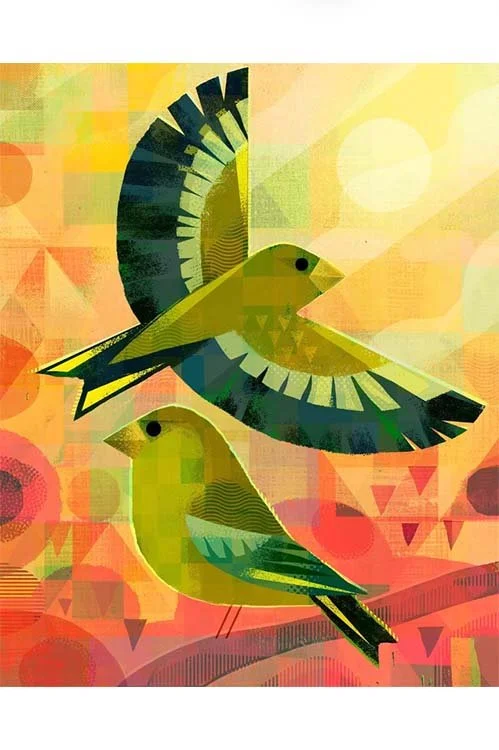 Image 6 of 16
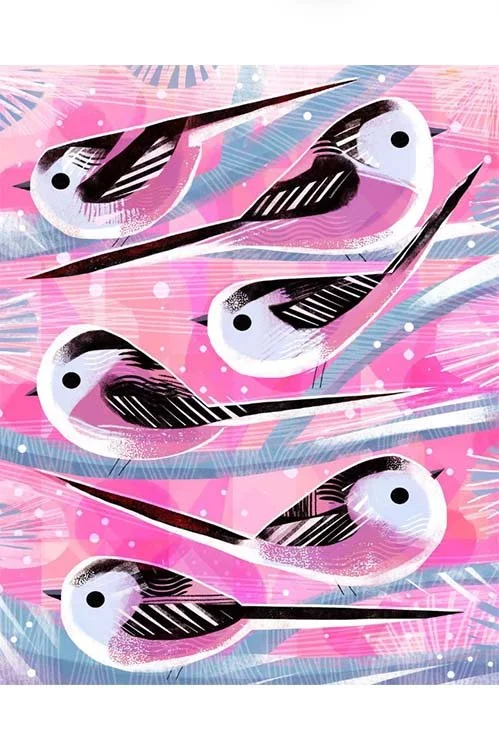 Image 7 of 16
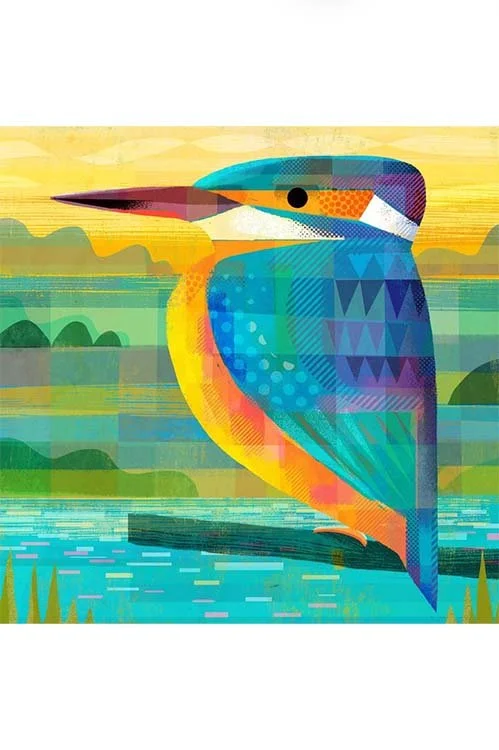 Image 8 of 16
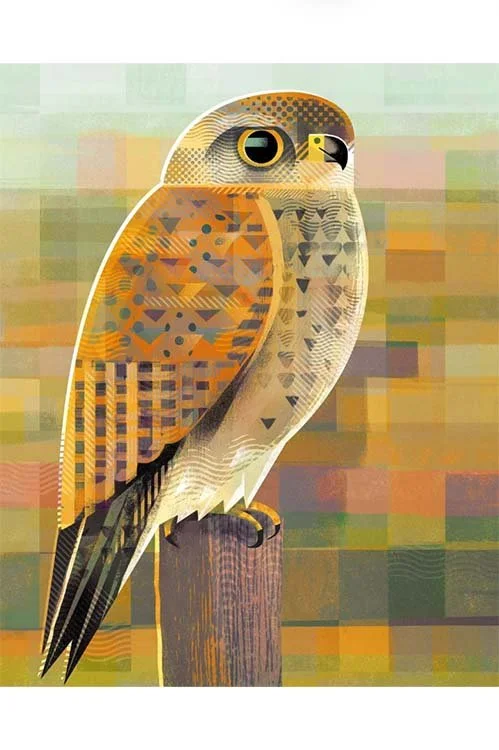 Image 9 of 16
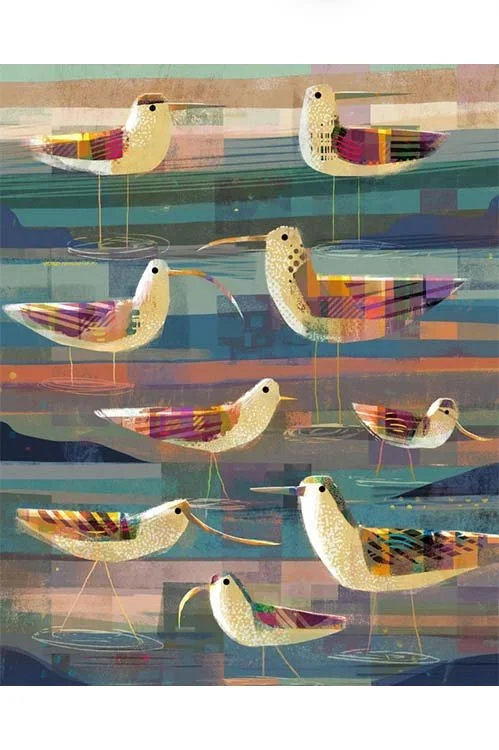 Image 10 of 16
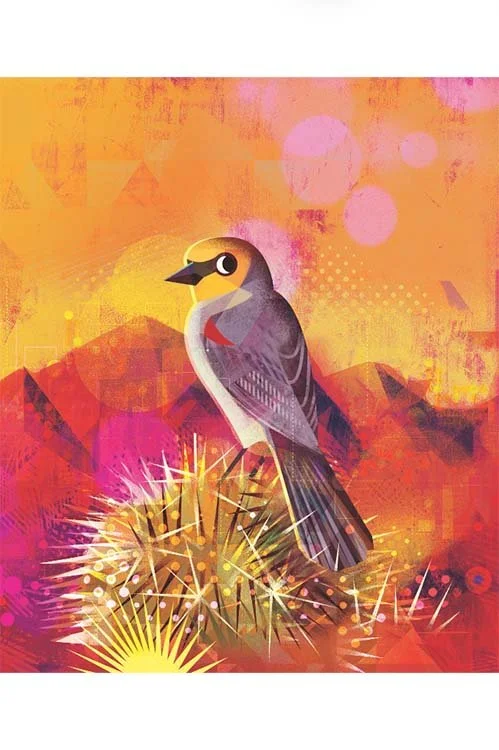 Image 11 of 16
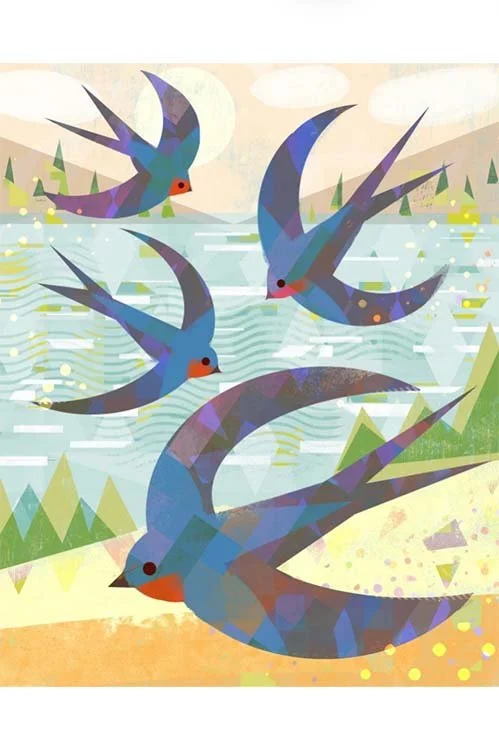 Image 12 of 16
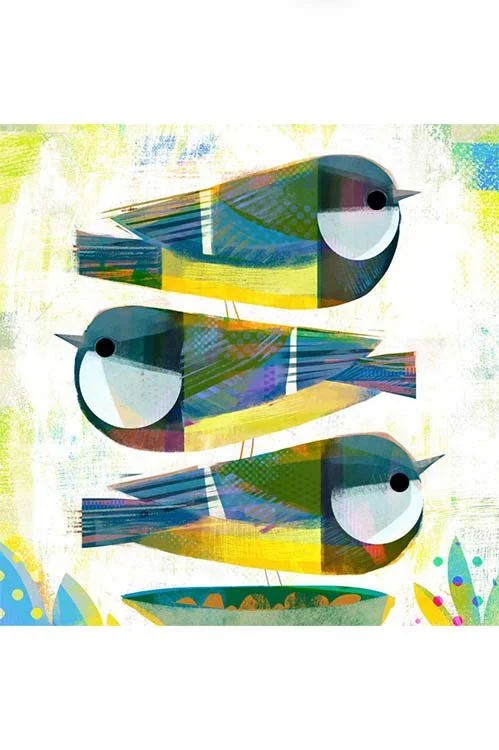 Image 13 of 16
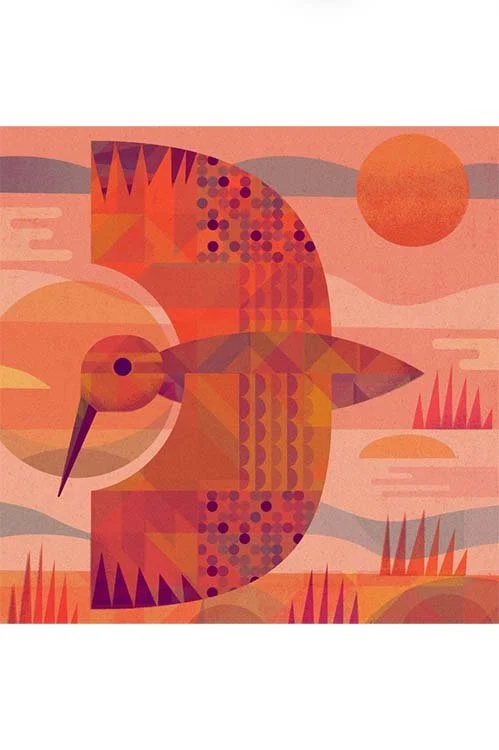 Image 14 of 16
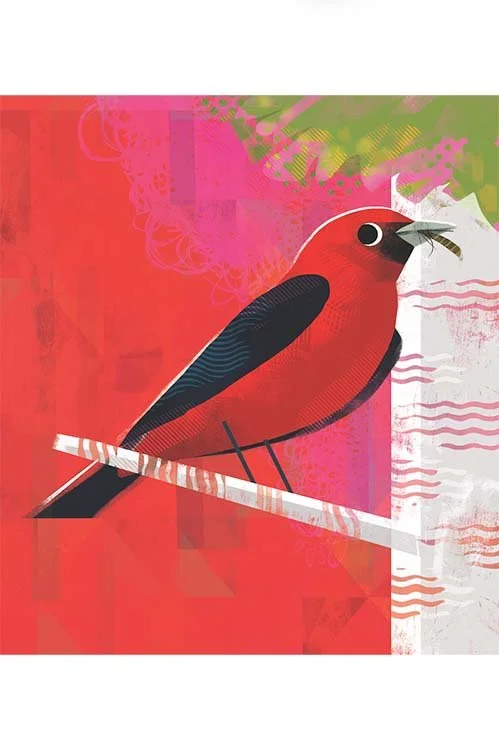 Image 15 of 16
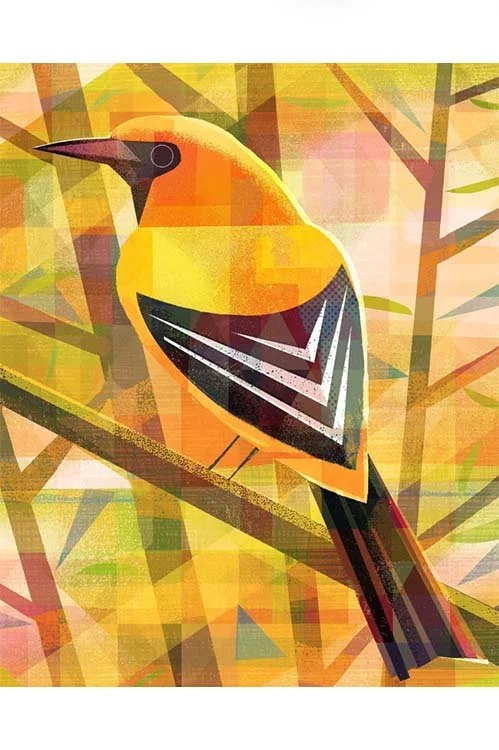 Image 16 of 16